Setting up your Success Day
Your Success Day is today's plan: a short, finishable list built around what actually moves your goal, plus your rituals, your briefing and something for yourself. Here is how to get one built and how to make it yours.
Updated 8 Oct 2026
Questions this answers
- What is a Success Day?
- It is today's plan: a short, finishable list built around what moves your goal, plus your rituals, a briefing from Thinker and one thing that is just for you. The question it answers is what success looks like for you today, and only that.
- How do I get Thinker to build my day?
- Make sure your goal is in AI Knowledge, then go to AI Agents and press Run now on the Success Day card, or ask Thinker in the chat to build your Success Day. Tick Scheduled on that agent and it is waiting for you every morning.
- How does Thinker choose the goal-achieving activities?
- Each day it names what today's goal work is for, a launch, a sale, an audience, and lists that outcome's next steps as a cluster, with a line under each card saying how it moves your goal. If nothing on your list genuinely moves the goal, it says so and offers moves to pick from, or a short chat to find your levers.
- Can I change what Thinker put on my day?
- Yes, all of it. Add a task with the + Add task button, press Not Today Mate to take one off, press BOOM when it is done, and skip a ritual that is not needed today. Thinker suggests, you decide.
When you work from a list, there is no end in sight. It goes on and on, and you can put in a full day, get loads done, and still finish feeling behind, because the list is longer than your legs and it always will be.
The Success Day asks a different question: what does success look like for me today? Then it gives you that, and only that. It is the page you should be looking at while you work, and it is deliberately short, because a day you can finish beats a list you can only fail at.
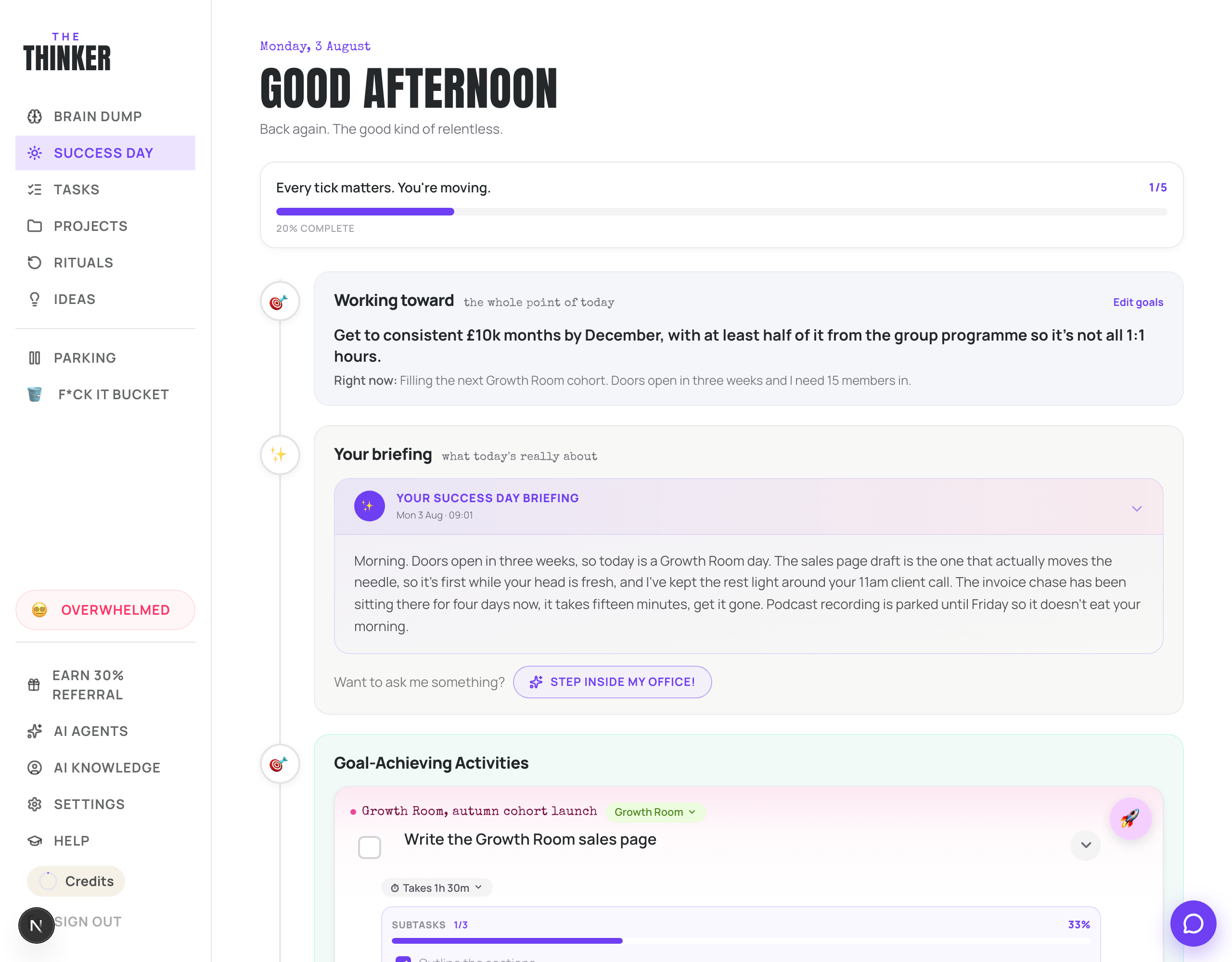
Getting one built
- 1Make sure AI Knowledge has your goal in it, otherwise there is nothing to build the day around.
- 2Go to AI Agents and press Run now on the Success Day card. Or just ask Thinker in the chat to build your Success Day.
- 3Open Success Day from the menu and read your briefing.
Once you are happy with how it feels, tick Scheduled on the Success Day agent and pick a time before you start work. From then on your plan is waiting for you every morning.

What is on the page
Underneath everything, a Success Day is three things: your rituals, the things that keep the wheels turning. Your priorities, the handful that genuinely move you forward. And something for you, because a day is not just work.
- Working toward: your goal, so today is always pointed at something. Edit goals takes you to AI Knowledge.
- Your briefing: a short note from Thinker on what today is really about and anything worth remembering from yesterday.
- What's on today: your calendar events, if you have connected a calendar.
- Goal-Achieving Activities: the work that genuinely moves you forward. Thinker names what today's goal work is for (a launch, a sale, an audience) and lists that outcome's next steps as a cluster, each with a line saying how it moves your goal. If nothing on your list moves the goal, it says so and offers moves to pick from instead, or a short chat to find your levers. This is the part that matters.
- Rituals: whatever is due today.
- Today's tasks: the rest of today's plan.
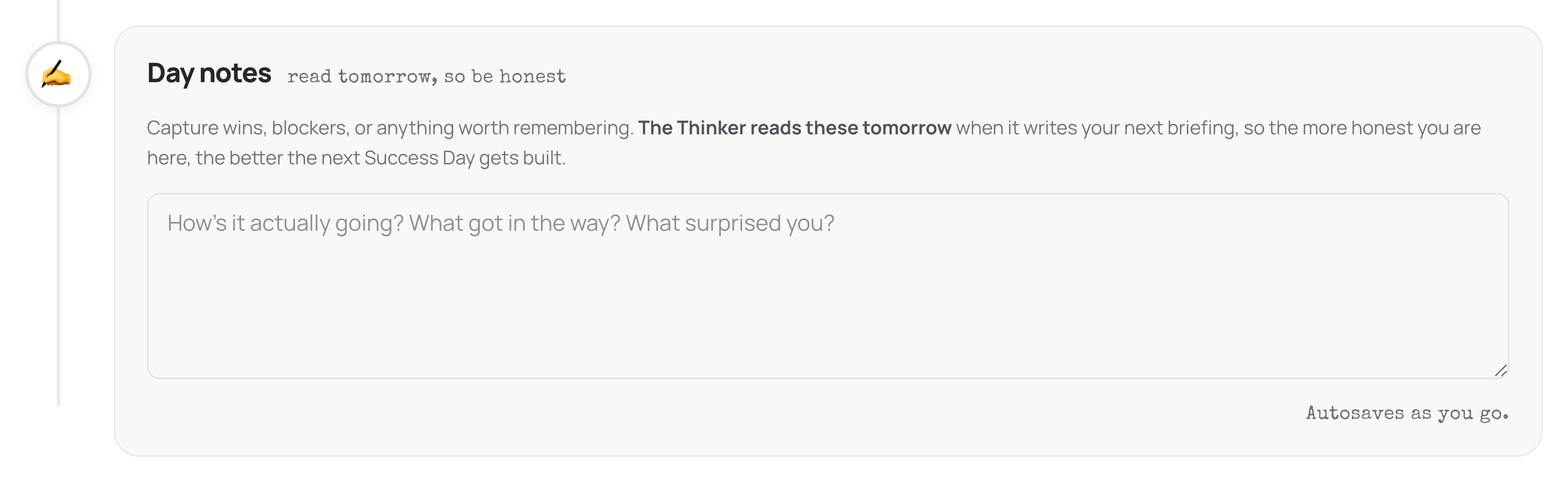
- Day notes: what happened, in your words.
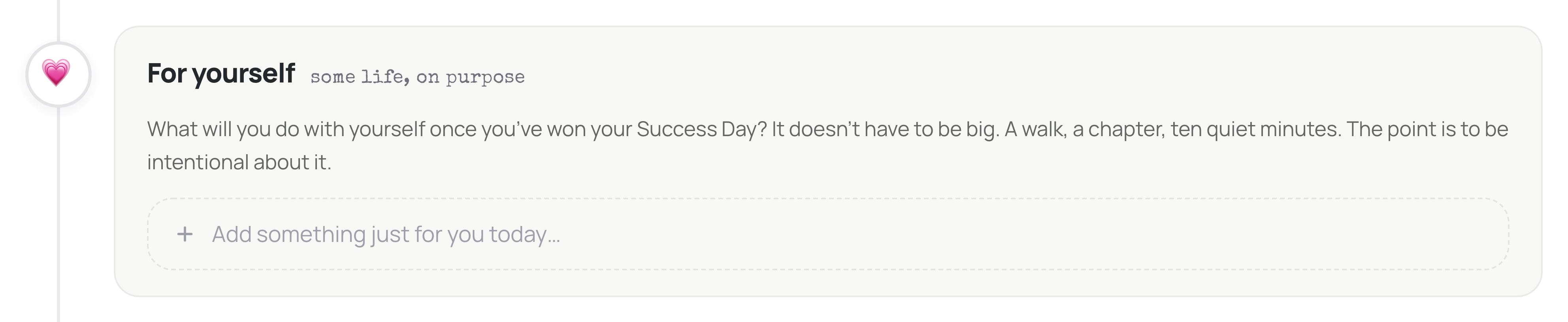
- The hat switch: one thing that is just for you, in its own callout at the bottom. It never blocks your Success Day; when you tick off the last bit of work, Thinker asks whether you want a small round two or you are done, and done means going and doing this.
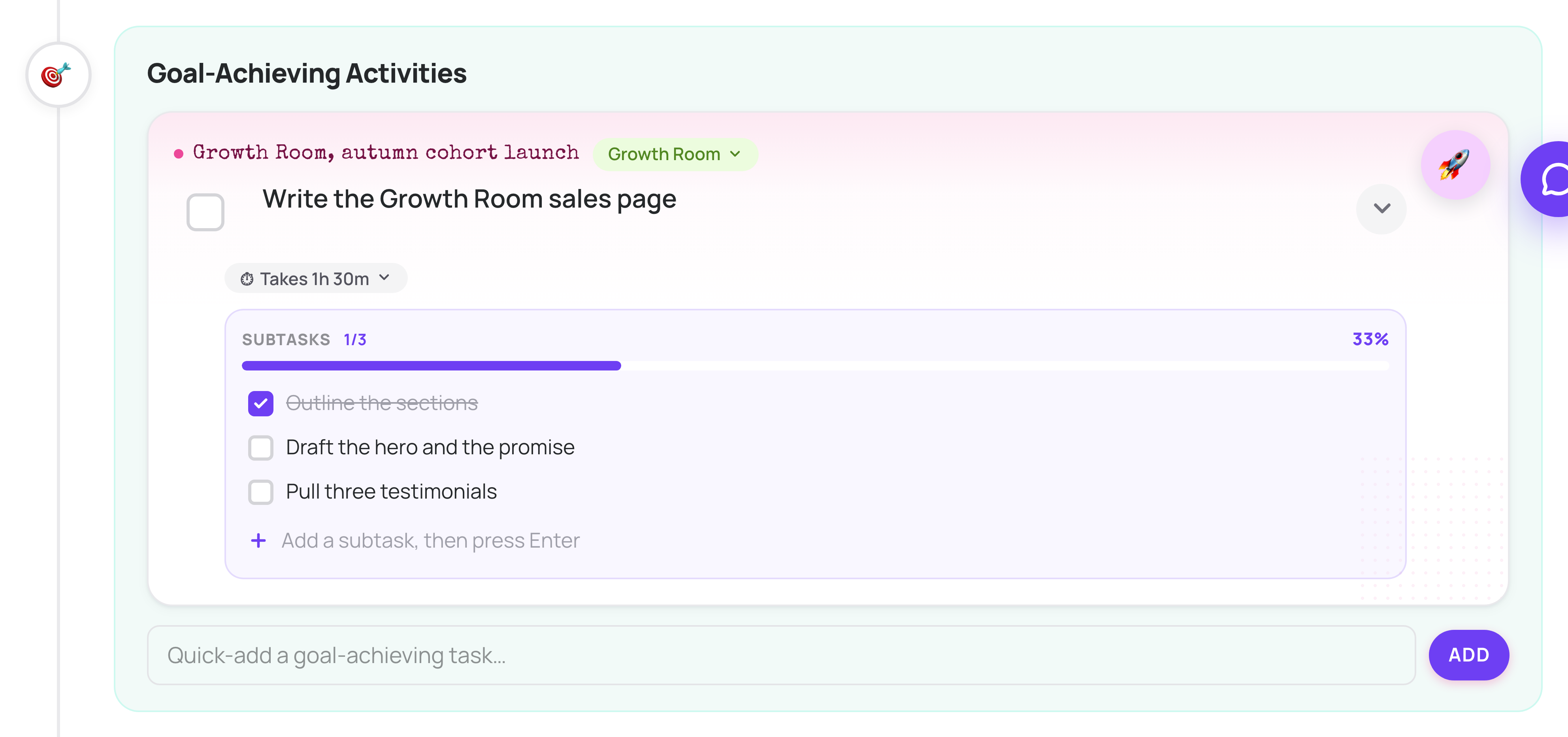
Making it yours
- Add something: use + Add task at the top of Today's tasks to pull in an existing task, or type a new title and create it straight onto today.
- Take something off: on a task card, press Not Today Mate. It goes back on your list, nothing is lost.
- Finish something: press BOOM! It's done. It ticks off everywhere.
- Skip a ritual: press Skip. It comes off today without being marked late, and you can tap it in the Skipped strip to bring it back.
When you finish everything
A green strip appears saying That's the whole list. Day won. You can stop there, proudly, or press Round two for a small extra set. There is no obligation to press it.
Why you are not the one choosing
You can build a Success Day on paper, and it works. The hardest part was always that you are still the one calling it, and your brain is not trying to grow your business. Your brain is trying to keep you safe.
Which is why it is so easy to decide that what today really needs is three hours of tidying your inbox, rather than the call you have been avoiding. The priorities that actually move you forward are usually the scary ones, the ones where you might be judged or told no.
So Thinker makes that call instead. You can argue with it, change any of it, and take things off. But you are not starting the day negotiating with yourself about what counts as work.
Day notes are not optional homework
Two honest lines at the end of the day is enough. What went well, what blocked you, what you are dreading. Thinker reads them when it writes tomorrow's briefing, so this is the single easiest way to make your days get better over time.
More in Your day
Did that not answer it? Ask Thinker in your own words.
Ask a question