Ideas, Parking and the F*ck It Bucket
Three places for things you are not doing right now, and they mean different things. Ideas is the inbox for maybes, Parking is for later, and the bucket is for no. Here is when to use each.
Updated 30 Aug 2026
Questions this answers
- What is the difference between Ideas, Parking and the F*ck It Bucket?
- Ideas is the inbox for maybes, Parking is for things you genuinely want to do but not now, and the bucket is for no. If you would feel a small relief seeing it gone, bucket it; if you would feel a small panic, park it.
- How does Thinker evaluate my ideas?
- Press Evaluate new ideas and it gives each one an honest read: a verdict (Green light, Needs a think, Park it or Bin it), the effort, whether it earns money, and how well it fits your goal. Anything you approve can become a project with tasks.
- Does the F*ck It Bucket delete things?
- Not on its own. Tasks, projects, ideas and rituals wait in the bucket until you restore them or clear it, and clearing asks you to confirm.
- Can I park a task for a set time?
- Yes. Park it and set when it comes back: one week, one month, three months, six months or a date. That morning it is back on your list with a note saying it came back from the Parking Lot.
Most planning apps only give you done or not done, which is why everyone's list eventually becomes a guilt museum. Thinker gives you three honest options for the things you are not doing.
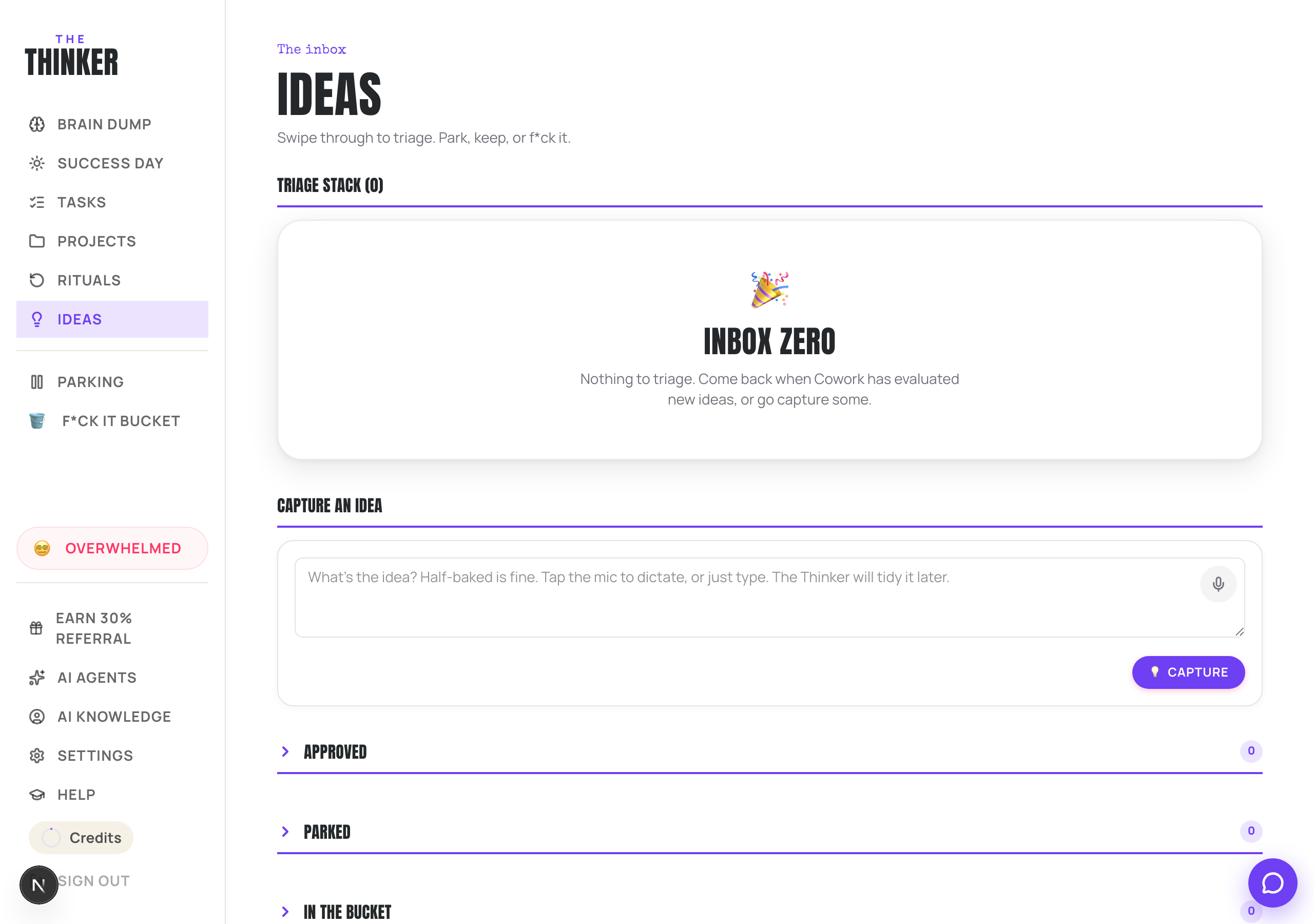
Ideas: the maybe pile
Anything you might do one day. A new offer, a podcast, a rebrand, a half-thought at midnight. Capture it on the Ideas page (or dictate it with the mic) and get on with your day. Half-baked is fine.
When you have a few, press Evaluate new ideas. Thinker reads each one and gives you an honest read:
- A verdict: Green light, Needs a think, Park it, or Bin it.
- Effort: a quick win, half a day, a few days, or a major project.
- Money: does it earn directly, help earnings, or not really.
- Fit: how well it lines up with the goal you set in AI Knowledge.
Then triage the stack. Swipe right to keep, swipe left to park, or use the F*ck it button. Anything you approve can be turned into a proper project with tasks by pressing Plan approved.
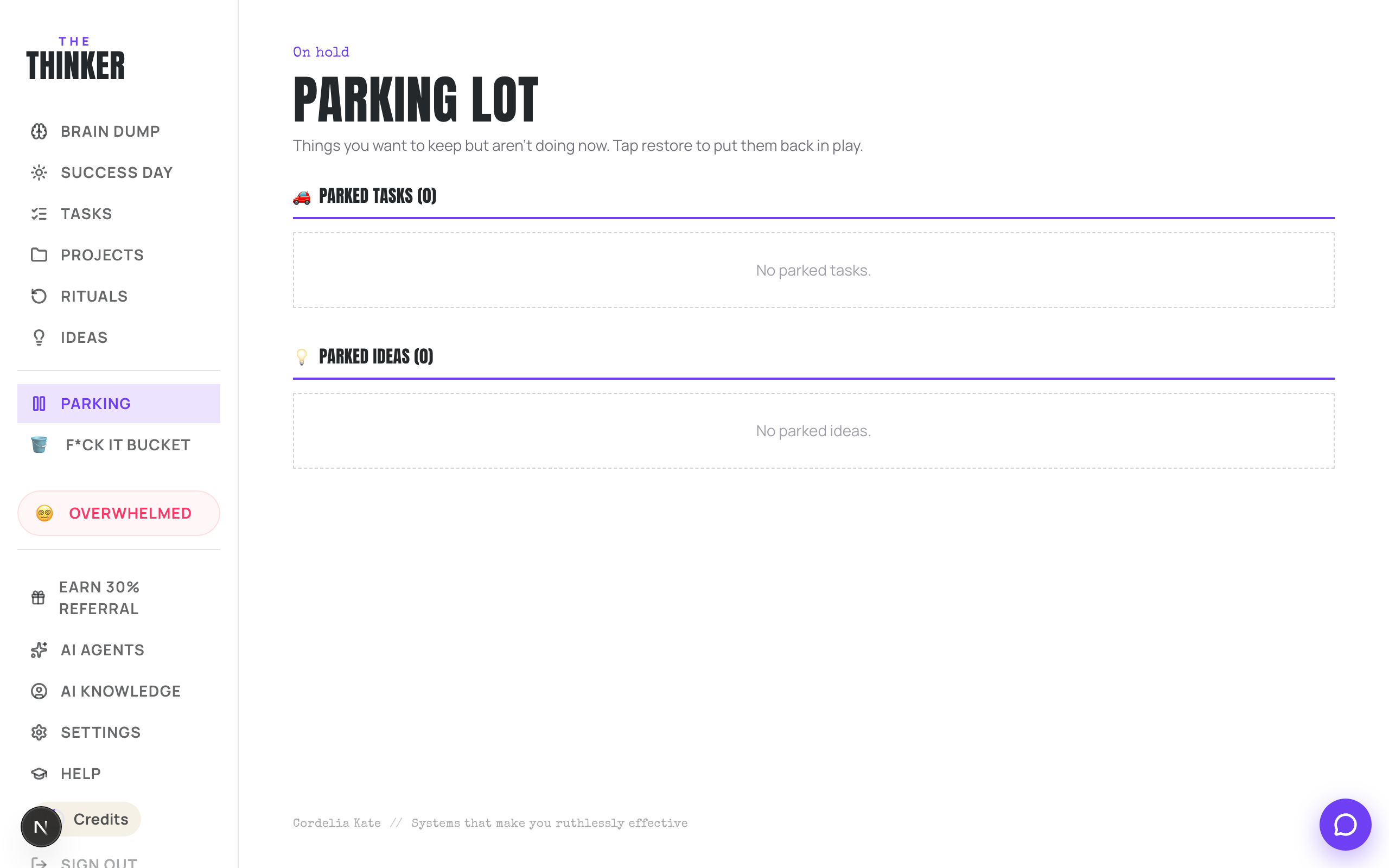
Parking: for later, on purpose
Park anything you genuinely want to do but not now. It leaves your open list and your Success Day, so it stops adding weight, and it sits safely on the Parking Lot until you press Restore.
Tasks, projects and ideas can all be parked. Nothing is lost and nothing expires.
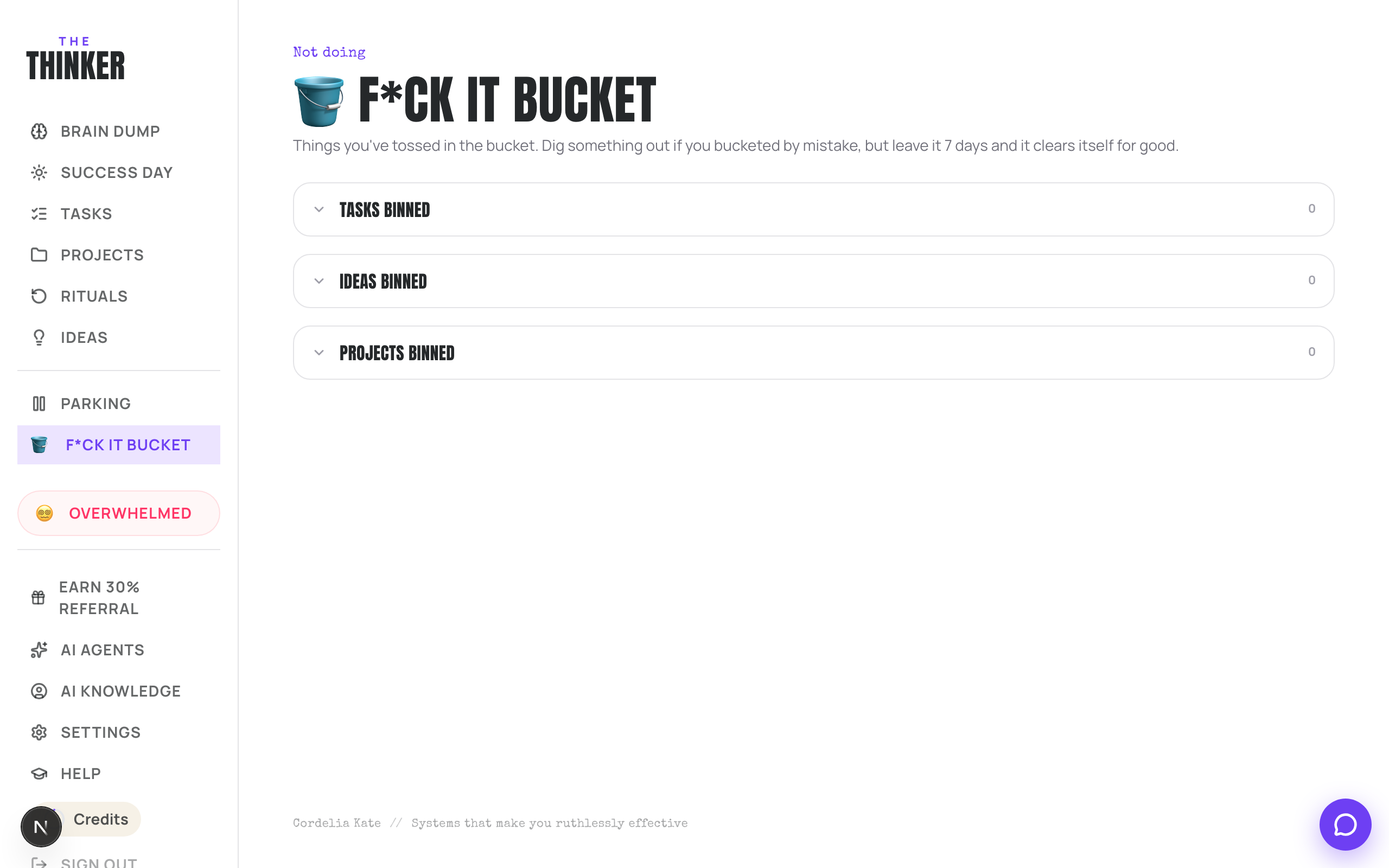
The F*ck It Bucket: for no
This is the one people find liberating. Bin the thing. It goes in the bucket, which you can dig through if you change your mind.
- Tasks, projects, ideas and rituals all end up here.
- Nothing in the bucket disappears on its own, it waits until you clear it.
- Press the restore icon to bring something back.
- Empty me wipes the lot, and asks you to tap twice before it does.
- Deleting one item permanently asks you to confirm first.
More in Your work
Did that not answer it? Ask Thinker in your own words.
Ask a question