Rituals
Rituals are the recurring things you want to keep doing: a morning walk, a Monday numbers review, invoicing on the last working day. Set the rhythm once and they turn up on your Success Day on the right days.
Updated 7 Oct 2026
Questions this answers
- What is a ritual in Thinker?
- A task that comes back on a rhythm: a morning walk, a Monday numbers review, invoicing on the last working day. Set it once and it appears on your Success Day on the right days without you remembering.
- How do I set a ritual for the 15th of every month or the first Monday?
- Choose Monthly, Quarterly or Yearly and set where it lands: a date each cycle, such as the 1st, the 15th or the last day, or a weekday each cycle, such as the first Monday or the last Thursday. It rolls forward each time you tick it off.
- Can I tick a ritual off before its day?
- Yes. Every ritual on the Rituals page has a tick box. Tick it early and it counts for the next time it is due, shows as done on that day's Success Day, and the box clears itself the morning after.
- What does Skip do on a ritual?
- Skip means not needed this time. The ritual comes off that day's Success Day without being marked late, and you can press bring back if you change your mind.
A ritual is a task that comes back. You set the rhythm once and stop having to remember it. They appear on your Success Day automatically on the days they are due.
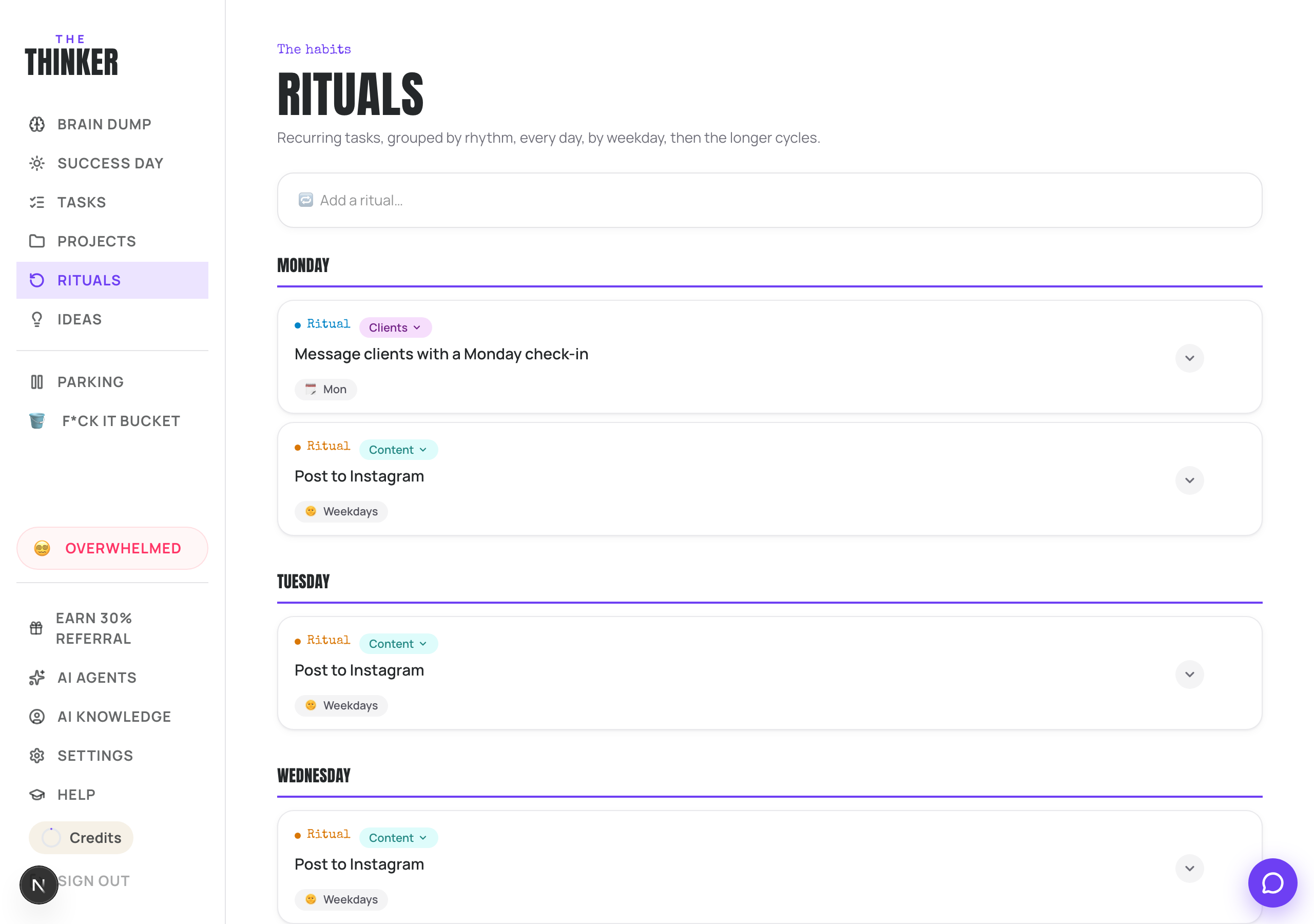
Adding one
- 1Go to Rituals and type into the Add a ritual box.
- 2Click into it and the rest appears: a category, a cadence, and when it lands.
- 3Pick a cadence: Daily, Weekly, Monthly, Quarterly or Yearly.
- 4Press Add.
Monthly, quarterly and yearly
For the longer rhythms you set where it lands, and it schedules itself from then on. You can choose either:
- A date each cycle: the 1st, the 15th, or the last day.
- A weekday each cycle: the first Monday, the third Friday, the last Thursday.
It tells you the next date underneath, and it rolls itself forward each time you tick it off.
Doing one early
Every ritual on the Rituals page has a tick box. Tick it before its day and it counts for the next time it is due: it stays ticked until that day has passed, shows as done on that day's Success Day, and Thinker leaves it out when it builds your day. The morning after, the box is empty again for the next time.
Skip works the same way there: press it and the ritual is not needed next time it is due. It will not land on that day's Success Day and it will not count as late. Press bring back if you change your mind.
On your Success Day
- Anything overdue floats to the top with a was due flag.
- Tick it to complete it as normal.
- Press Skip if it is genuinely not needed today. It comes off the day without being counted as late, and you can tap it in the Skipped strip to bring it straight back.
Changing or stopping one
Open the ritual card to change its title, category, cadence or days. Everything saves as you edit. Anything paused sits in the Paused section at the bottom of the page with a Resume button.
Turning a task into a ritual
If you keep re-adding the same task, open it, tap the project pill and choose Make it a ritual. It becomes a recurring ritual and leaves your task list. You can tweak the rhythm afterwards on the Rituals page.
More in Your work
Did that not answer it? Ask Thinker in your own words.
Ask a question