Connecting your calendar
Connect Google, Apple or Outlook and Thinker plans your day around your meetings instead of pretending you have eight free hours. Includes what the four settings on each calendar mean.
Updated 24 Aug 2026
Questions this answers
- Can Thinker plan around my calendar?
- Yes. Connect Google with one click, or paste the link of any Google, Apple or Outlook calendar, and your meetings appear on your Success Day with the plan sized around the time you actually have. Thinker only ever reads your calendar.
- How do I add a second Google account or an Apple or Outlook calendar?
- Use the paste a link option on the AI Agents page with the calendar's shared or published link (it starts with https or webcal and ends in .ics). The page has the steps for each calendar app.
- What do Plans around it, Sets the focus, Awareness only and Ignored mean?
- Plans around it treats events as real commitments and builds your day in the gaps. Sets the focus means events say what the day is for, which is what to use if you time block. Awareness only shows events quietly as options. Ignored never reads them.
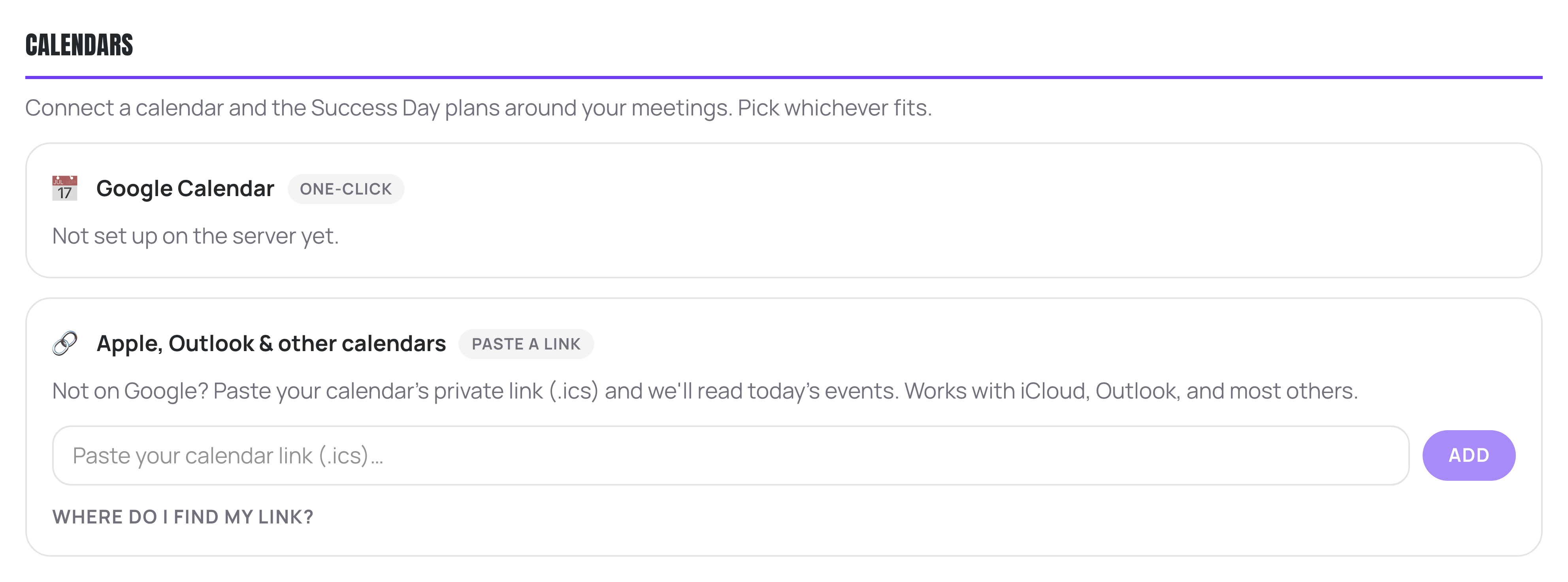
Calendars are set up on the AI Agents page, at the top. Once connected, your meetings appear on your Success Day under What's on today, and your plan is sized around the time you actually have.
Your main Google Calendar
- 1Press Connect Google.
- 2Sign in and allow access.
- 3Your calendars appear in a list. Set each one to how it should be treated.
A second Google calendar, Apple, Outlook and everything else
Use the paste a link option. Find the shared or published calendar link in your calendar app (it starts with https or webcal and ends in .ics), paste it in and press Add. There is a Where do I find my link? section on the page with the steps for Google, Apple and Outlook.
This is also how you add a second Google account. The one-click connection above holds one Google account, so a second one comes in here: sign in to that account, open Google Calendar, hover the calendar in the left list, choose Options then Settings and sharing, scroll to Integrate calendar and copy the Secret address in iCal format. Keep that link private.
The four settings on each calendar
- Plans around it: these are real commitments. Your day is built in the gaps. Use this for your main work calendar.
- Sets the focus: events here say what the day is for. If you time block, use this. Thinker picks work that serves that block rather than treating it as busy time.
- Awareness only: shown to you quietly as options, never treated as must-dos.
- Ignored: never read at all. Use this for anything noisy, like a birthdays or holidays calendar.
Calendars you keep hidden in Google start out as Ignored, which is usually what you want.
If your calendar stops showing
If you signed in with Google but never granted the calendar permission, your Success Day shows an amber card saying your calendar is not switched on yet, with a button to reconnect and allow it. That fixes it in one click.
More in Set-up and help
Did that not answer it? Ask Thinker in your own words.
Ask a question