The Parking Lot, and parking something for a while
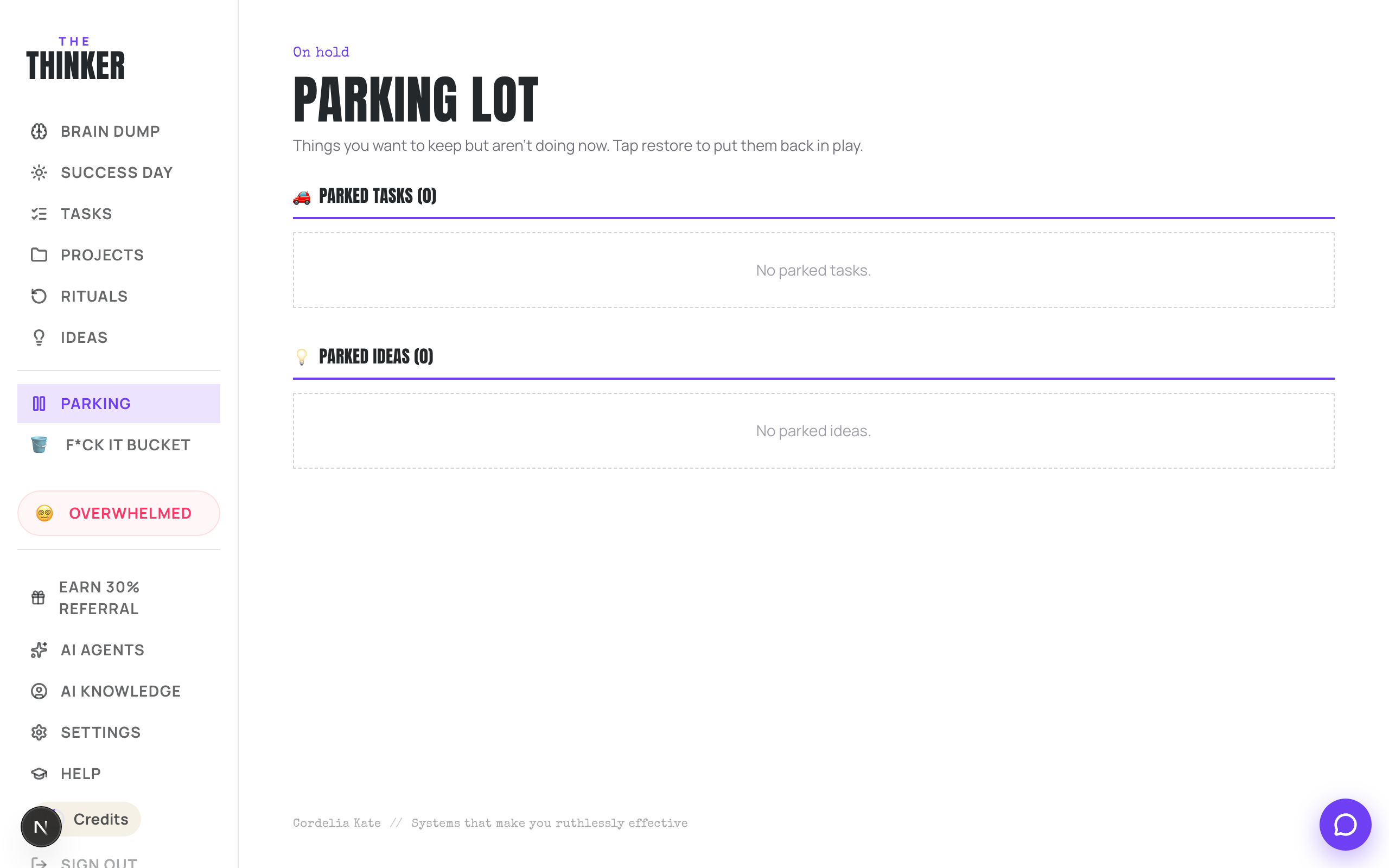
Park anything you genuinely want to do but not now. It leaves your list and your Success Day, waits on the Parking Lot, and can come back on its own on a day you choose: a week, a month, three months, six, or a date.
Updated 8 Oct 2026
Questions this answers
- What does Park do to a task in Thinker?
- It takes the task off your open list and your Success Day without losing anything, and puts it on the Parking Lot. It stays there, untouched, until you restore it or until the day you asked for it back.
- Can Thinker remind me about a task in three months?
- Yes. Park it and choose when it comes back: 1 week, 1 month, 3 months, 6 months, or pick a day. That morning it is back on your list as a normal to-do, with a line in its notes saying it came back from the Parking Lot and the date you chose.
- What is the difference between parking and the F*ck It Bucket?
- Parking is for later, on purpose: you want to do it, just not now. The bucket is for no. If you would feel a small relief seeing it gone, bucket it; if you would feel a small panic, park it.
- How do I get a parked task back?
- Open the Parking Lot from the menu and press Restore on it, or set a day for it to come back by itself. You can also ask Thinker in the chat to bring it back.
A list only ever gives you done or not done, which is why it quietly turns into a guilt museum. The Parking Lot is the honest third option: not now. Park something and it stops adding weight to your day without you having to pretend it does not exist.
Parking something
- On a task card, press Park. It leaves your open list and your Success Day and waits on the Parking Lot.
- In the Stack view on the Tasks page, the Park button sits in the middle, between keep and bin. This is where most parking happens, on the weekly reset.
- Projects and ideas can be parked too, from their own cards.
- Or just tell Thinker: park the website rewrite until January.
Coming back on a day you choose
Parking used to mean parked until you said otherwise, which is fine until you forget you parked it. Now a parked task can carry the day it comes back.
- 1Open the task while it is parked, on the Parking Lot or on its card.
- 2Under Comes back, choose 1 week, 1 month, 3 months or 6 months, or press Pick a day and choose a date.
- 3That is it. The card says Comes back on and the date.
On that morning the task is back on your list as a normal to-do, as if you had just added it, with a line in its notes saying it came back from the Parking Lot and the date you chose. If you leave the date blank it is parked until you say, exactly as before.
Getting something back early
- Open the Parking Lot and press Restore. It goes straight back to your open list.
- Change your mind about the date on the card, or press Clear to go back to parked until you say.
- Or ask Thinker to bring it back.
Park or bucket?
Park what you genuinely want to do but not now. Bin what you are honestly never doing. Trust the flinch: a small relief means bucket, a small panic means park. Both are reversible, and nothing in either place is deleted on its own.
More in Your work
Did that not answer it? Ask Thinker in your own words.
Ask a question